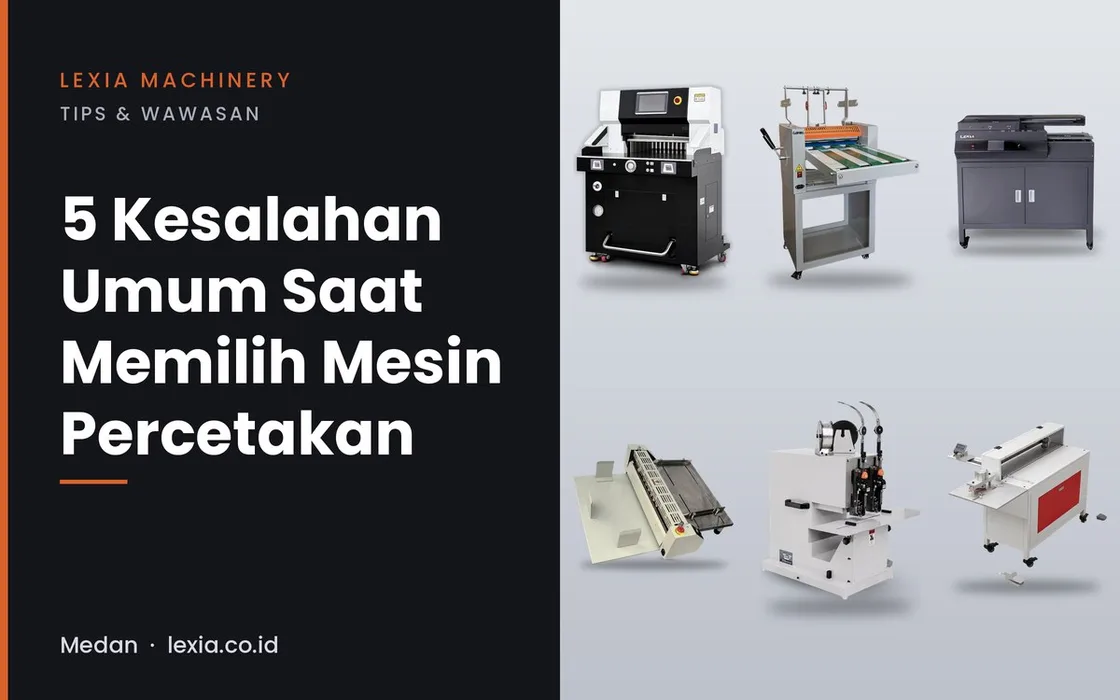
Choosing the wrong printing machine usually isn't about picking the wrong brand — it's about skipping practical considerations that only bite once the machine arrives. Here are the five mistakes we see most often when advising customers.
1. Ignoring the site's power capacity
High-power machines — a hydraulic paper cutter, say, or a laminator with a 3,000 W heater — need adequate electrical installation. Many customers only realize they need a power upgrade AFTER the machine arrives, which means a production delay. Check the power requirement (listed on every machine's spec page) before ordering, not after.
2. Miscalculating production capacity
Buying far more capacity than you need ties up capital for nothing; buying too little means upgrading again within a year. Calculate your real daily or weekly volume, not an optimistic projection, then pick a model with a bit of room to grow — not a huge leap. See also: when you actually need to upgrade to a hydraulic paper cutter.
3. Forgetting to plan for space and workflow
Some machines — an auto-feeding laminator nearly 2.5 meters long, for instance — need more than just floor space for the machine itself, including room for the operator to move and a clear path for material in and out. Measure your production floor with the machine's dimensions in hand before deciding, not after it arrives and doesn't fit your existing workflow.
4. Ignoring after-sales support
A printing machine is a long-term investment — parts (stitching wire, rollers, drill bits) will need replacing, and routine service will be needed. Confirm after-sales support and parts availability in your area before buying, not after the machine breaks down.
5. Focusing only on the lowest price
The lowest price that sacrifices durability or service support often costs more in the long run — downtime, early replacement, or inconsistent output. Compare total cost of ownership (price, power, parts, service), not just the sticker number.
Frequently asked questions
How do I know the right machine capacity for my business?
Calculate your real current daily or weekly production volume, add a reasonable margin for growth (not an optimistic projection), then compare it against the machine's rated capacity — every Lexia product page lists an hourly capacity figure.
Do all printing machines need special electrical installation?
Not all, but machines drawing over 1,000 W (many laminators and hydraulic paper cutters) should be checked against your site's power capacity before ordering.
What should I ask about after-sales support before buying?
Ask about the availability of common parts (rollers, wire, drill bits), typical service turnaround, and whether technical support is available in your city or needs to be sent in from elsewhere.
Not sure which model fits? See 5 must-have machines to start a printing business or contact Lexia Machinery in Medan for a free consultation.
"