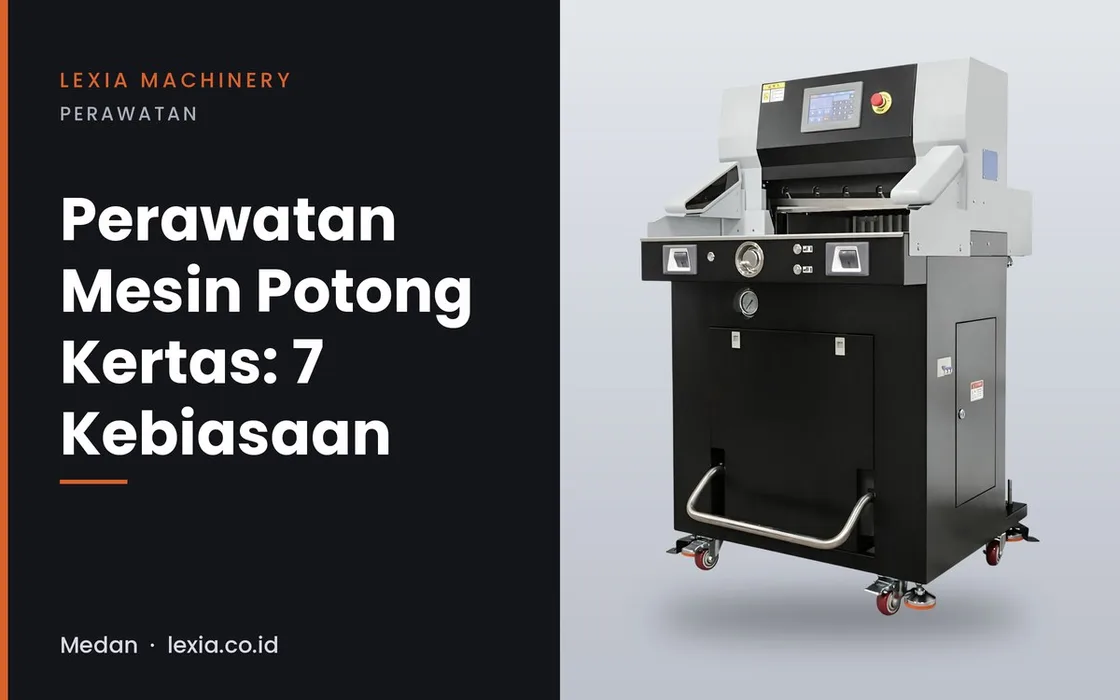
A paper cutter works every day and its main part, the blade, keeps wearing. With a few simple maintenance habits the machine stays precise for longer and the risk of accidents drops. Here are seven habits you can start right away.
Note: the exact maintenance schedule and method always follow your machine's manual. This guide is general.
1. Switch the machine off before cleaning
Switch off and unplug before cleaning the blade area or cutting table. Never reach into the blade area while the machine is on.
2. Clear paper debris every day
Dust and paper scraps on the cutting table and around the blade make stacks shift and dirty the moving parts. Clean at the end of every working day.
3. Test the safety sensor before starting
On machines with a safety sensor or safety button, test it at the start of each shift. If it does not work normally, stop using the machine until a technician checks it.
4. Learn the signs of a dull blade
Fuzzy cuts, slanted paper edges or a machine that feels heavy are signs of a dull blade. A dull blade should be sharpened or replaced by a technician, not forced.
5. Check the cutting stick
A cutting stick with deep grooves stops the cut from going through every sheet. Replace or rotate it as the manual describes.
6. Check oil and leaks on hydraulic models
For hydraulic models such as the HP4908 and 5310, check the oil level and look for leaks regularly, as the manual describes.
7. Keep the load and power supply in range
Do not cut stacks taller than the machine's cutting height (60 mm on the 4606Z, 80 mm on the 4908EP and HP4908). Make sure the electrical supply is adequate: the 4606Z needs 1.4 kW, the HP4908 1.5 kW and the 5310 2.2 kW.
Frequently asked questions
How often should the blade be replaced?
It depends on volume, stack thickness and paper type. Follow the manual, and watch for the dull-blade signs in point 4.
Can I sharpen the blade myself?
It is better not to. Blade sharpening and replacement should be done by a technician because it is risky and affects cut straightness.
What if the safety sensor does not work?
Stop using the machine until a technician checks it. Never bypass or disable the sensor.
Not sure which machine fits yet? Read how to choose a paper cutting machine or browse all Lexia Machinery paper cutting machines.
"